Forest Connector Library: Connect MCP Servers in your Workflows in 2 clicks
Length
" transform="translate(1.749 1.749)" width="10.501px"/></g></svg>)
Author
Guillaume Rigal
Published
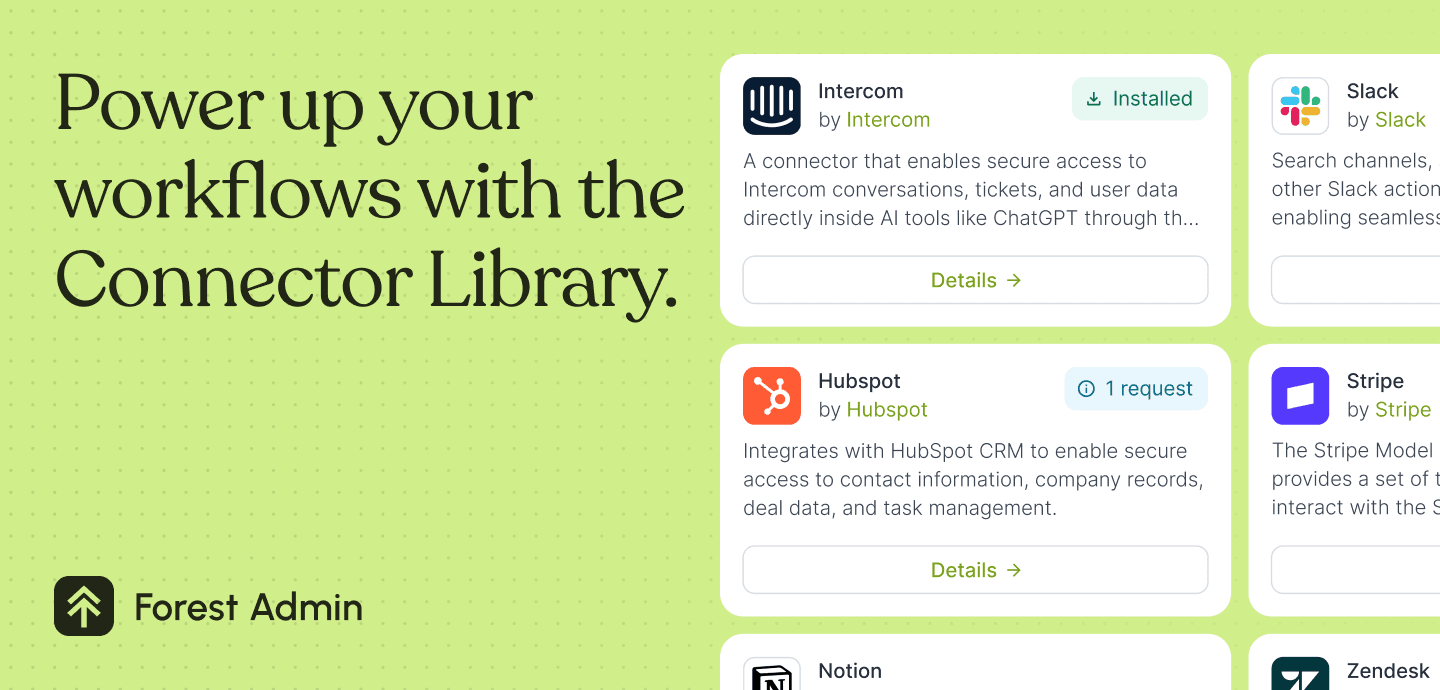
The new Connector Library in Forest Admin makes it super easy for Editors and Admins to add external services to Forest Workflows. Editors can now browse and request official MCP implementations from vendors like Slack and Stripe directly from the Workflow Editor. And Admins get pre-filled one-click configurations in their Project Settings.
Adding MCP servers to your Forest Admin workflow just got a lot more convenient. For Editors, and for Admins.
Reminder on the Model Context Protocol (MCP)
In Forest Workflows, you have access to MCP tasks. MCP, which we wrote about earlier, is an industry-adopted protocol that makes it easy to use tools on remote servers. Most SaaS providers have established an official MCP implementation for their service (like Slack, Stripe or Zendesk).
The Forest’s Connector Library, a simple way to connect MCP servers
With the launch of workflows in 2025, we made it possible to access remote resources easily in Forest Admin via an MCP task, a type of task you can add to a workflow that is able to connect to an MCP server. This required some configuration, usually done by the admin for security and access control reasons.
To facilitate these steps, we are introducing the Connector Library.
It lists the official MCP implementations from SaaS vendors
It makes it simple for an editor to request a specific connection
It lets admin accept and configure any MCP in one click
Have a look at a quick demo to see where to find the library:
Editors: Request the Connectors You Need, Right From the Workflow Editor
Editors are the ones building Workflows day-to-day. Until now, when they needed a new integration, they'd have to describe what they wanted, explain why, and hope their Admin knew where to find it.
Now, clicking "+" in the Workflow Editor opens the Connectors Library directly. Editors browse what's available, click to request a connector, and the Admin gets an email notification. No context lost. No back-and-forth.
The person closest to the operational need can now surface it directly.
Admins: Connector Setup Pre-Filled, Ready to Install
From Project Settings → Connectors, a "Browse Library" button opens the same curated list. Select a connector and the URL, auth method, and required headers are pre-filled. No documentation hunting, no manual configuration.
One click to add Slack, Stripe, or HubSpot to your project.
That’s also where you’ll find the requests posted by your team.
Available at launch: Intercom, Slack, Microsoft 365, Amplitude, HubSpot, Notion, Monday.com, Square, Stripe, Razorpay, n8n, Zapier, Workato.
An ever-growing List of MCP Servers and Connections
We will be constantly updating the list as new official MCP servers are released.
By the way, at the bottom of the library, you’ll find a "Need another connector?" card. This is where you can request a new integration, whether it's an existing official MCP server from one of your providers, or one Forest Admin would build and host itself.
The Connectors Library is available now. Browse it in Project Settings, or from the Workflow Editor.
For more details, get in touch.